

Download TweetDeck APK – TweetDeck, Twitter client, Android app, social media tool, mobile Twitter, Twitter utility, free Twitter app, desktop Twitter alternative
Overview
TweetDeck for Android was designed as a powerful mobile extension of the popular desktop Twitter client, offering users a structured and efficient way to manage their Twitter experience on smartphones. The app allows users to monitor multiple streams of content through customizable columns, enabling real-time tracking of followers, mentions, direct messages, and custom searches. It is particularly useful for professionals, social media managers, journalists, and active Twitter users who need to stay on top of multiple conversations simultaneously.
The app was developed by Twitter, Inc., reflecting its integration with the core Twitter platform. Although originally released in 2013, the app remained functional for years, providing a consistent experience across devices. However, the developer has since discontinued the app, removing it from the Google Play Store and ceasing updates.
Users who downloaded it prior to its removal can still use it, but no new versions or fixes are available. The app served as a bridge between desktop and mobile Twitter usage, maintaining synchronization with the desktop version. Its primary purpose was to deliver a streamlined, column-based interface that enhances content visibility and workflow efficiency on mobile devices.
Key Features & Capabilities
- Column-Based Interface: Organizes Twitter content into customizable columns such as All Friends, Mentions, Direct Messages, and user-defined feeds like favorites or search terms. This structure allows users to monitor multiple streams simultaneously.
- Customizable Columns: Users can add and rearrange columns with a simple drag-and-drop gesture, tailoring the interface to their specific needs, such as tracking hashtags, specific users, or groups.
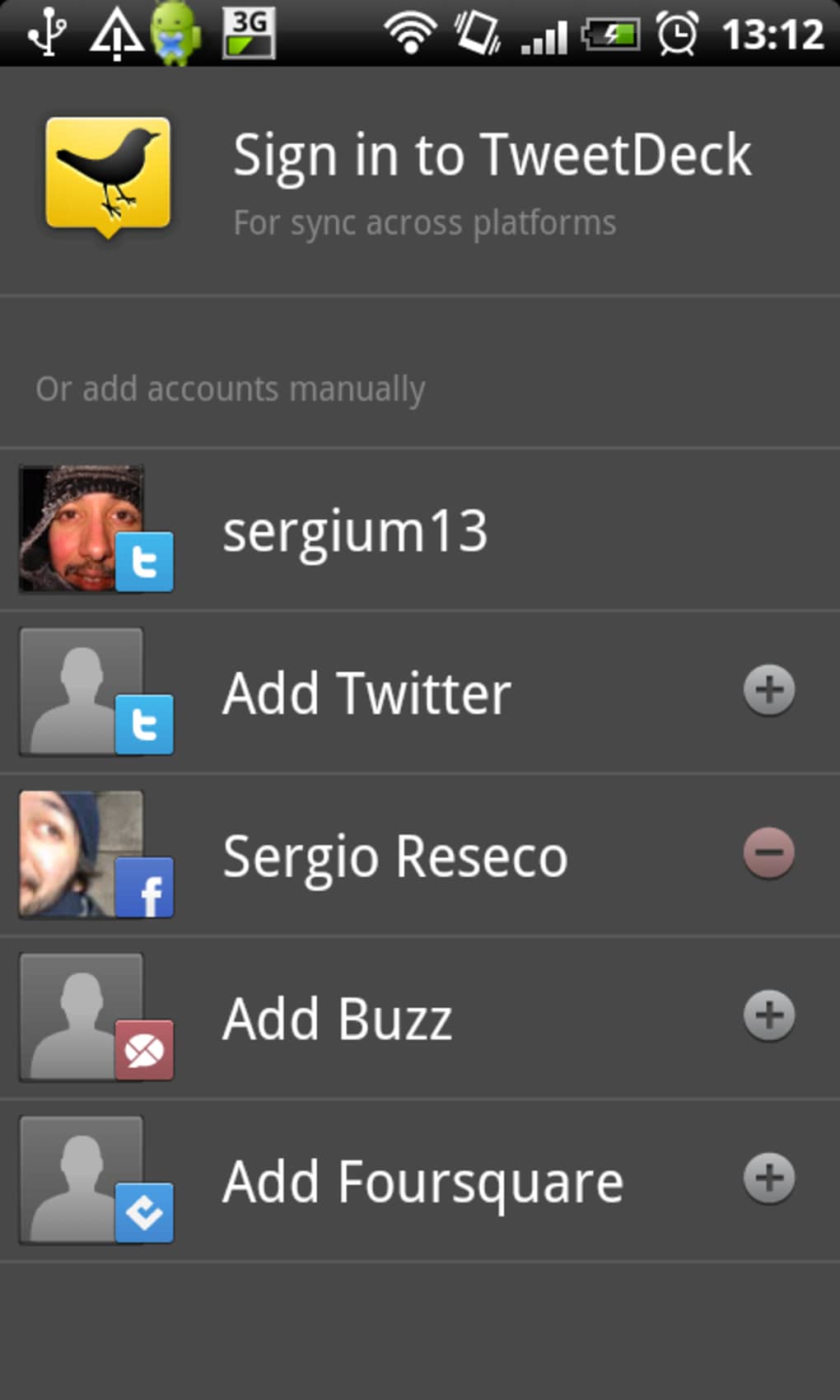
- Multi-Account Support: Enables seamless switching between multiple Twitter accounts, ideal for users managing personal and professional profiles.
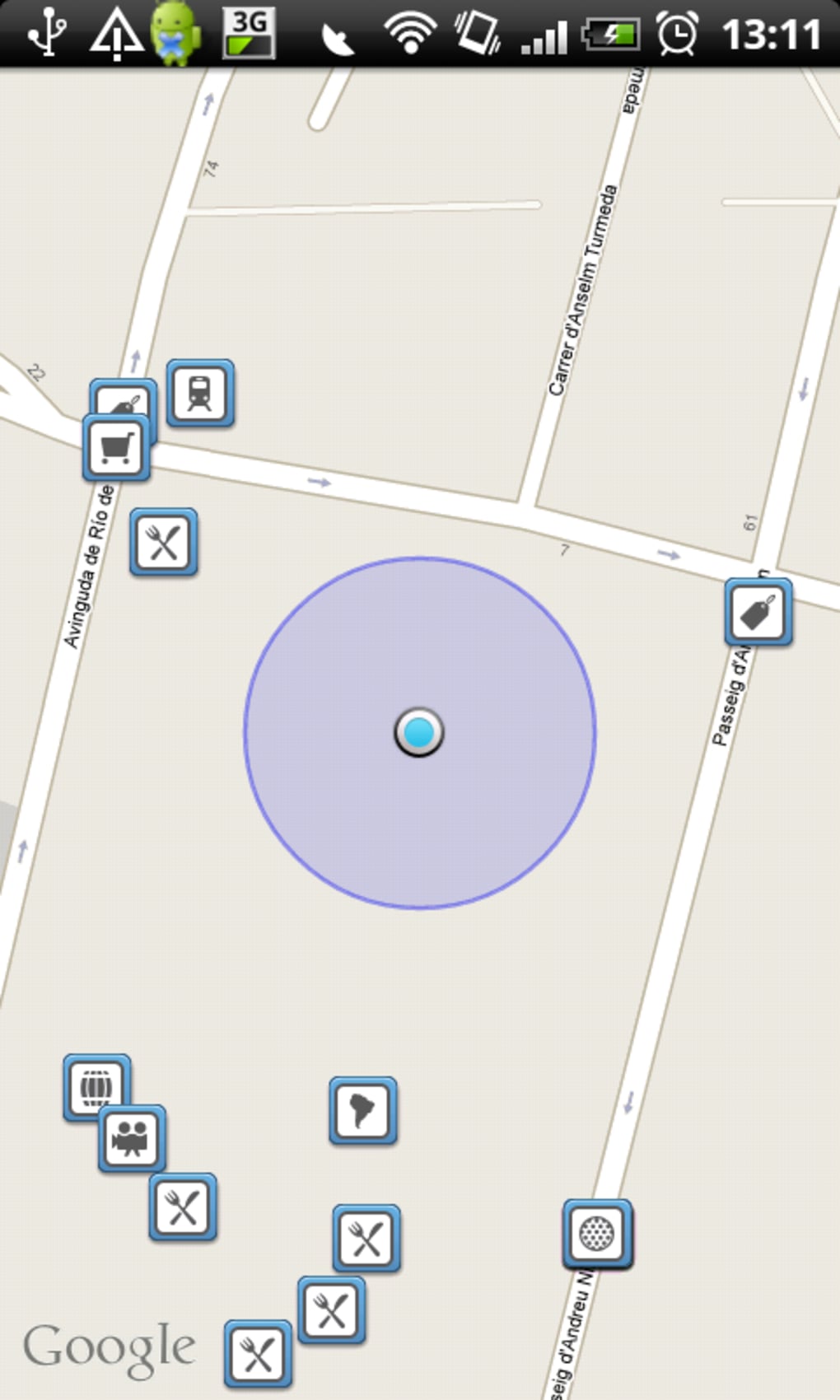
- Quick Tweet Actions: Supports direct photo uploads via TwitPic or Yfrog, one-tap location tagging using Google Maps, and a shake-to-refresh gesture for instant content updates.
- Sync with Desktop Version: Maintains consistency with the desktop version of TweetDeck, allowing users to switch between devices without losing workflow context.
These features make TweetDeck particularly effective for users who rely on Twitter for real-time information, event monitoring, or audience engagement. The column system reduces information overload by compartmentalizing content, while the quick actions improve productivity. Although the app lacks a built-in search function and has limited preview scrolling, its core functionality remains strong for those who prioritize organization over simplicity.
User Interface, Workflow & Performance
The user interface of TweetDeck for Android follows a clean, grid-based layout with clearly labeled columns and intuitive navigation. The drag-and-drop column reordering system enhances usability, allowing users to customize their workflow with minimal effort. Navigation between accounts is straightforward, with a dedicated menu accessible from the main screen.
The app’s performance is generally stable for its age, though some users have reported occasional crashes. The developer did not specify resource usage details, and performance observations are based on general software behavior patterns. CPU and RAM usage remain moderate under normal conditions, but prolonged use may lead to instability due to the app’s outdated architecture.
The app runs smoothly on most Android devices released around 2013–2016, but may face compatibility issues on newer systems. Stability is a known concern, with several users noting crashes during extended sessions. Overall, the interface remains functional and efficient for its intended purpose, though it lacks modern touch optimizations and responsiveness.
Compatibility & System Requirements
TweetDeck for Android is designed to run on Android operating systems, though the exact version range is not specified. The app has a file size of 22.4 MB, indicating a lightweight footprint. The developer did not provide additional system requirements, including minimum RAM, CPU, or storage details.
Compatibility information was partially provided, with no clear indication of support for Android 10 or later. Given that the app was last updated in 2013 and has since been discontinued, it may not function properly on modern Android devices. Users are advised to test compatibility on their specific device before installation.
The app is no longer available through official channels, and no further updates are planned. Any use of the app now relies on older APK files obtained from third-party sources, which may pose security risks.
Pros and Cons
Pros
- Powerful column-based interface for multitasking on Twitter
- Supports multiple Twitter accounts with easy switching
- Customizable columns with drag-and-drop reordering
- Syncs with desktop version for consistent workflow
- Quick actions for photos, location, and refresh
Cons
- App has been discontinued and removed from Google Play
- No official updates or bug fixes since 2013
- Limited preview scrolling in column views
- Lacks a built-in Twitter search feature
- Known to crash on some devices
FAQ Section
Is TweetDeck for Android still available?
As of the latest update, the app has been discontinued and removed from the Google Play Store. Users who previously downloaded it can still use it, but no new versions or support are available.
Can I download TweetDeck APK from third-party sources?
Yes, older APK files may be available on third-party websites. However, downloading from unofficial sources carries potential security risks and is not recommended by the developer.
Is TweetDeck for Android secure to use?
The app was secure at the time of its last update in 2013. However, since it is no longer maintained, it may lack modern security patches and could be vulnerable to exploits on current systems.
Does TweetDeck for Android support the latest Android versions?
The developer did not specify compatibility with newer Android versions. Given the app’s age and discontinuation, it may not function correctly on Android 10 or later.
Can I sync TweetDeck on Android with the desktop version?
Yes, the app was designed to sync with the desktop version of TweetDeck, allowing users to maintain consistent workflows across devices.
Final Thoughts + CTA
TweetDeck for Android was once a standout mobile Twitter client, offering a structured, efficient experience that mirrored the desktop version. Its column-based interface, multi-account support, and quick actions made it ideal for power users and professionals managing active Twitter presences. However, its discontinuation and removal from official channels mark the end of its lifecycle.
While the app remains functional for those who downloaded it before its removal, it no longer receives updates or support. Users seeking a modern alternative should consider other Twitter clients that offer similar features with ongoing development and security updates. For those still using it, the experience is largely intact—but with growing risks.
Download TweetDeck APK now if you already have it installed and wish to continue using it, but proceed with caution.





.png)

